

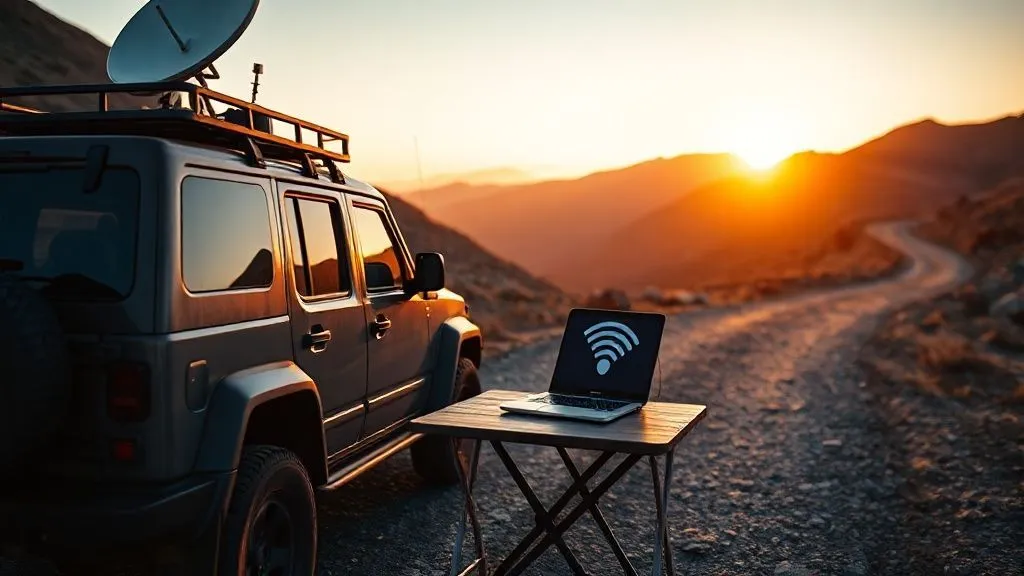
How to guarantee internet for urgent work on remote road trips?
I've been there. Miles from the nearest town, deep in the wilderness, when that critical client call dropped. The panic, the frantic searching for a single bar of service, the realization that a crucial deadline might be missed – it's a nightmare scenario for any remote worker who loves the open road. For over 15 years, navigating the intricate dance between wanderlust and professional responsibility, I've transformed my own mobile office from a connectivity gamble into a fortress of reliable internet.
The modern road warrior faces a unique dilemma: the irresistible call of remote exploration pitted against the non-negotiable demands of urgent work. The anxiety of potential disconnection isn't just an inconvenience; it can impact your reputation, your income, and your peace of mind. Without a robust strategy, the very freedom of the road can become a source of profound stress.
This guide isn't just about throwing gadgets at the problem; it's a comprehensive, multi-layered strategy I've refined through countless miles and critical projects. We will delve into everything from optimizing cellular performance to leveraging satellite technology, mastering power management, and embracing offline productivity, ensuring you can truly guarantee internet for urgent work on remote road trips.
Understanding the Connectivity Landscape: Why Remote Road Trips Are Different
Cellular vs. Satellite: The Core Differences
Before we dive into solutions, it's crucial to understand the fundamental ways we connect. Cellular internet, which powers our smartphones and most mobile hotspots, relies on a network of ground-based towers. It's fantastic in populated areas but quickly becomes unreliable in mountainous terrain, dense forests, or simply where infrastructure hasn't been built. Satellite internet, on the other hand, bypasses ground infrastructure, connecting directly to satellites orbiting Earth. While traditionally slower and more expensive, modern advancements like Starlink have revolutionized its capabilities, offering high-speed, low-latency options even in the most remote locales.
Topography and Infrastructure: Your Silent Enemies
Imagine trying to talk through a brick wall – that's often what your phone is up against in remote areas. Mountains, deep canyons, and even dense foliage can effectively block cellular signals. Furthermore, the sheer lack of cell towers in truly off-grid regions means there's often no signal to boost, no matter how powerful your equipment. My experience has shown that understanding the limitations of each technology based on your planned route is the first step towards a bulletproof connectivity plan. For a deeper dive into cellular coverage, I often consult resources like the FCC broadband maps, which can give you a rough idea of where you might encounter dead zones.

The Foundation: Optimizing Your Cellular Strategy
Even with satellite options, cellular remains a vital first line of defense. This is the first critical layer in your strategy for how to guarantee internet for urgent work on remote road trips. Don't underestimate its potential, especially when enhanced with the right tools.
Multi-Carrier SIMs & Roaming Plans
Relying on a single cellular provider while road-tripping is, frankly, a gamble I refuse to take. What works perfectly in one state might be a dead zone in the next. My solution? A multi-carrier approach. This could mean having active SIM cards from different major carriers (e.g., Verizon, AT&T, T-Mobile) and switching between them as needed, or utilizing an MVNO (Mobile Virtual Network Operator) that aggregates access to multiple networks. Many modern phones support eSIMs, making it easier to switch plans digitally without physical SIM cards. This redundancy is paramount.
In my experience, a multi-carrier approach is the single most important redundancy layer for cellular connectivity. Don't put all your eggs in one basket.
External Antennas and Signal Boosters (Cellular Repeaters)
When you have even a faint cellular signal, a quality signal booster can be a game-changer. These devices work by capturing a weak signal outside your vehicle, amplifying it, and then rebroadcasting a stronger signal inside. They don't create a signal where none exists, but they can turn a frustratingly weak connection into a usable one. I've seen them transform 1-bar EDGE into 3-bar LTE, making urgent work possible.
- Choose a Reputable Booster: Invest in a well-regarded booster like those from weBoost or SureCall. Research reviews and ensure compatibility with your specific carriers and vehicle type.
- Install External Antenna: Mount the external antenna securely on your vehicle's roof. Magnetic mounts are easy for temporary setups, while permanent drilled mounts offer better performance and security.
- Run Cable to Indoor Antenna: Route the coaxial cable from the external antenna to the booster unit inside your vehicle, then connect the indoor antenna or cradle.
- Power On and Observe: Connect the booster to power (usually 12V DC). You should see an immediate improvement in signal strength on your devices.
- Test in Varying Conditions: Don't just test in your driveway. Drive to areas with known patchy coverage and verify the booster's effectiveness before your critical trip.
For detailed comparisons and recommendations on various boosters, I often refer to independent reviews from trusted tech sites, such as PCMag's guide to cell phone signal boosters, which provides excellent insights into performance and features.
| Feature | Pros | Cons |
|---|---|---|
| Cellular Booster (e.g., weBoost) | Amplifies weak signals, works with existing phones/hotspots, relatively affordable | Requires existing signal, limited range inside vehicle, power draw |
| Dedicated Mobile Hotspot | Portable, multiple device connectivity, often higher data limits | Relies on cellular network, signal strength varies, can be expensive for unlimited data |
| Multi-Carrier SIM | Switches networks for best signal, redundancy | Configuration can be complex, data plans vary greatly |
The Ultimate Backup: Leveraging Satellite Internet
When cellular signals fade into oblivion, satellite internet steps in as your ultimate lifeline. This is where you truly unlock the ability to work from virtually anywhere with a clear view of the sky.
Starlink Roam/Mobile: The Game Changer
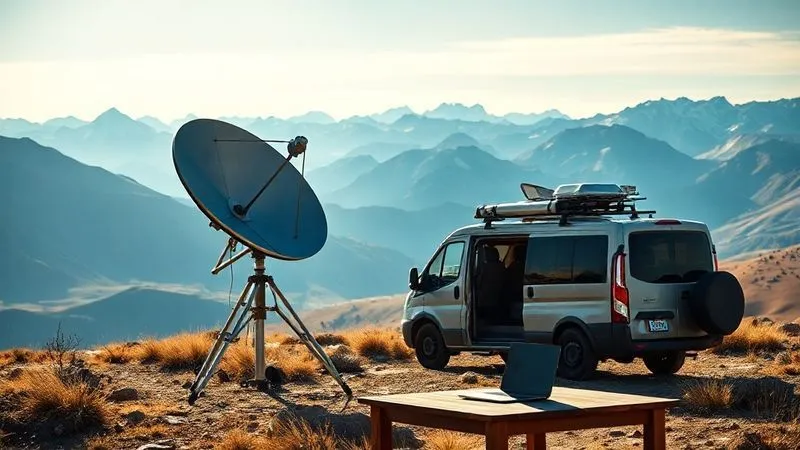
Starlink has, without exaggeration, transformed my ability to work from truly off-grid locations. Its low-earth orbit (LEO) constellation delivers high-speed, relatively low-latency internet that was previously unthinkable for consumer satellite solutions. While the standard "Roam" service is designed for stationary use (you set it up when parked), it provides a phenomenal connection for video calls, large file transfers, and all the bandwidth-intensive tasks urgent work often demands.
- Order the Right Kit: Ensure you order the Starlink Roam (formerly Residential with Portability) kit. For in-motion use, you'd need the more expensive Mobile Priority plan and Flat High Performance dish, which is a significant investment.
- Mount Dish Securely: The standard dish comes with a basic stand. For road trips, I recommend a pole mount, a tripod, or a flat ground placement in an open area. Ensure it's stable and has a clear, unobstructed view of the sky.
- Connect to Power: Starlink is a power-hungry device, typically consuming 50-75W. You'll need a robust portable power station or a dedicated vehicle charging system capable of handling this continuous draw.
- Activate Service via App: Use the Starlink app to activate your service, check for obstructions, and monitor performance.
- Ensure Clear Line of Sight: Any obstruction (trees, mountains, buildings) will degrade performance or prevent connection entirely. Always seek an open clearing.
Before committing, I highly recommend visiting the Starlink official website for the latest service plans, hardware details, and coverage maps.
Traditional Satellite Phones & Data Terminals (for extreme cases)
For the most extreme, truly emergency-only scenarios, traditional satellite phones (like Iridium or Globalstar) and basic data terminals still have a place. While their data speeds are agonizingly slow (think dial-up era), they offer truly global coverage and are primarily designed for reliable voice communication and sending small data packets or emergency messages. I carry one not for work, but as a last-resort safety net when all other connectivity options fail.
Powering Your Mobile Office: Essential Energy Solutions
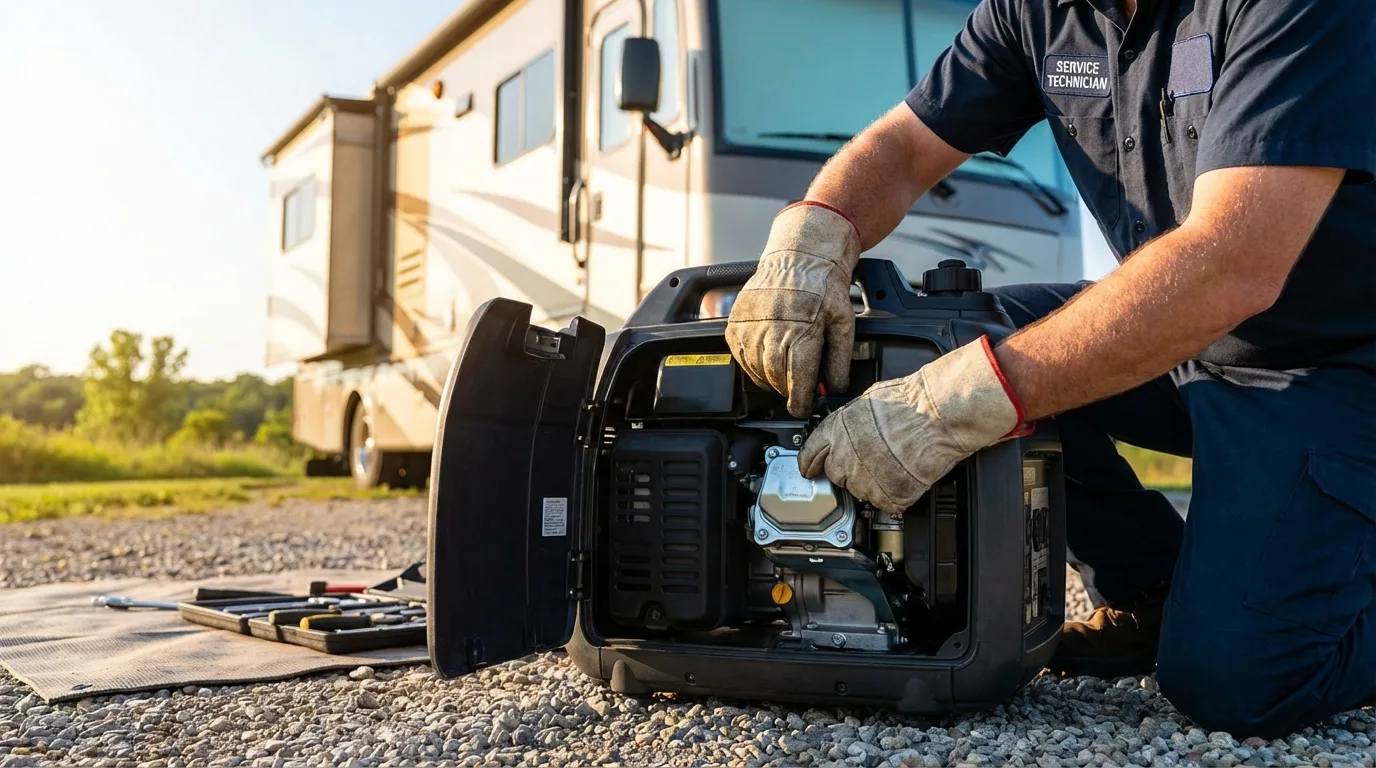
What good is the best internet equipment if you can't power it? In my extensive experience, a robust and redundant power solution is just as critical as the connectivity gear itself. Running out of juice is effectively the same as losing signal.
Portable Power Stations (Goal Zero, Jackery)
These are the backbone of any serious mobile office. Brands like Goal Zero, Jackery, and EcoFlow offer powerful, portable lithium-ion battery packs that can run everything from your laptop to your Starlink dish for hours. When choosing one, calculate your total wattage draw (Starlink is the biggest consumer here) and multiply it by the number of hours you need to work between charges. Always over-estimate your needs by at least 20-30%.
Vehicle Charging Systems & Solar Integration
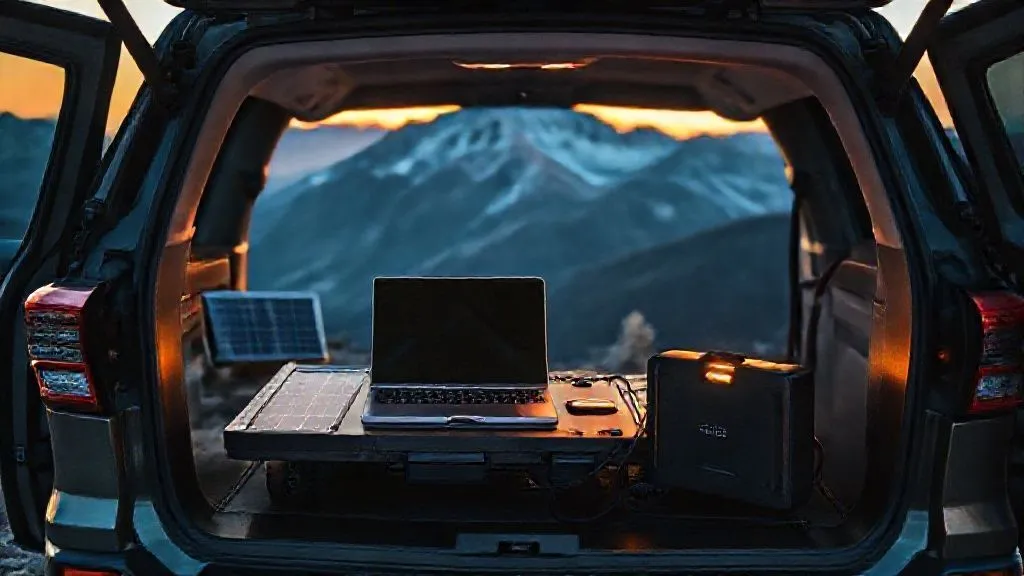
For extended off-grid stays, relying solely on a portable power station isn't enough. I've integrated a secondary battery system into my vehicle, charged by the alternator while driving (via a DC-DC charger). Adding solar panels to your vehicle's roof or using portable panels provides a passive, continuous charge, significantly extending your time away from shore power. This combination creates a self-sufficient energy ecosystem.
Redundancy is Key: A Layered Approach
Just like with internet, I apply a layered approach to power. My primary source is usually the portable power station, backed up by the vehicle's auxiliary battery, which is in turn topped up by solar. I also carry a smaller power bank for critical devices like my phone. Tip: Always over-estimate your power needs. Running out of juice is as bad as losing signal.
Offline Productivity & Data Management: Your Safety Net
Even with the best gear, there will be moments when you simply cannot get a signal. This is where a proactive offline strategy becomes your ultimate safety net, ensuring you can continue making progress on urgent work.
Syncing Critical Files Before You Go
Before every remote segment of my road trips, I ensure all critical project files are synced for offline access. Cloud services like Google Drive, Dropbox, and OneDrive offer excellent offline synchronization features. Don't just assume; actively verify that files are available on your device. For collaborative projects, establish clear version control protocols to avoid conflicts when you eventually reconnect and sync.
Cloud-Based vs. Local Software
Where possible, prioritize local software installations over purely cloud-based applications for your most critical tasks. While cloud services are convenient, they are useless without internet. For example, use a desktop email client that downloads messages, or a local word processor. Minimize browser tabs and background data usage to conserve bandwidth when you do have a connection.
Communication Protocols for Low Bandwidth
I always set clear expectations with clients and team members about my connectivity status. Let them know you might have delayed response times in certain areas. When you do connect, prioritize text-based communication (email, Slack messages) over video calls, which are massive bandwidth hogs. Short, concise messages are your friend. The rise of remote work has highlighted the importance of flexible connectivity, as explored in articles like Harvard Business Review's insights on work-from-anywhere trends, reinforcing the need for these strategies.
Case Study: How NomadSync Consulting Maintained Client Trust
NomadSync Consulting, a small team I advised, faced a critical challenge: a major client project required continuous collaboration, but their lead consultant was embarking on a 3-week cross-country road trip. The fear was losing client trust due to potential communication breakdowns. By implementing a comprehensive offline productivity strategy—syncing all project files locally, establishing clear low-bandwidth communication protocols (prioritizing email and asynchronous messaging over video calls), and setting explicit client expectations about response times during remote segments—they not only maintained but strengthened client trust. The consultant was able to work effectively during connectivity gaps, uploading updates during brief connection windows. This proactive approach, which I helped them design, proved that with the right preparation, "offline" doesn't mean "out of touch."
Practical Gear & Setup: Building Your Road Warrior Command Center
Having the right tech is one thing, but setting up an efficient and comfortable workspace is another. Your ability to focus on urgent work will depend heavily on your physical environment.
Ergonomics and Comfort
Don't underestimate the importance of a comfortable setup. Hours hunched over a laptop on your lap in a cramped car will lead to fatigue and reduced productivity. I've invested in a portable desk, a comfortable ergonomic seat (even if it's just a cushion), and sometimes even a portable external monitor. Good lighting is also crucial, especially if you're working into the evening. Long-term productivity depends on more than just internet; it demands a comfortable and efficient workspace.
Security Considerations (Physical & Digital)
When you're working remotely, security is paramount. Physically secure your valuable equipment – lock your vehicle, consider a laptop lock, and be discreet about displaying expensive gear. Digitally, always use a strong, unique password for your Wi-Fi networks (especially hotspots). While public Wi-Fi is rare in truly remote areas, if you find yourself using it in a town, a Virtual Private Network (VPN) is essential for protecting your data. Learn more about digital security best practices for travelers from reputable sources like the Electronic Frontier Foundation.
Pre-Trip Planning and Contingency Protocols
The difference between a stressful road trip and a productive one often comes down to meticulous planning. Don't leave your connectivity to chance.
Route Analysis for Connectivity Hotspots
Before I even turn the key, I meticulously analyze my route. I use apps like Campendium, iOverlander, and carrier-specific coverage maps to identify potential cellular hotspots or areas where Starlink might have clear sky views. I then plan my work schedule around these known connectivity points, scheduling video calls or large uploads when I anticipate a strong signal.
Emergency Communication Plan
Beyond internet for work, consider true emergency communication. Share your detailed itinerary with a trusted contact. For ultimate peace of mind in truly off-grid areas, a satellite messenger like a Garmin inReach is invaluable. It provides two-way text communication and an SOS button, ensuring you can always reach help, even without cellular service.
Testing, Testing, 1-2-3!
This is non-negotiable. Before embarking on a critical road trip, set up and test *everything* in a less-than-ideal signal area near home. Deploy your Starlink, test your cellular booster, confirm your power solutions. Don't wait for a critical deadline in the middle of nowhere to discover a faulty cable or a misconfigured setting.
The most reliable internet on a remote road trip isn't a single device; it's a meticulously planned ecosystem of redundant solutions, backed by a commitment to proactive problem-solving.
| Device | Primary Use | Connectivity | Pros | Cons |
|---|---|---|---|---|
| Satellite Messenger (e.g., Garmin inReach) | Emergency SOS, two-way text, basic tracking | Iridium satellite network | Truly global, compact, long battery life | No internet browsing, subscription required |
| Satellite Phone | Voice calls, very low-speed data | Iridium/Globalstar satellite networks | Reliable voice, global coverage | Expensive, bulky, slow data, subscription required |
| Starlink Roam | High-speed internet browsing, streaming, video calls | Low Earth Orbit (LEO) satellite constellation | Fast internet, relatively low latency | Requires clear sky, power hungry, not truly global for in-motion use without specific hardware |
Frequently Asked Questions (FAQ)
Question: Is Starlink truly reliable for moving vehicles?
Answer: While Starlink offers "Roam" (formerly Residential with Portability) and "Mobile Priority" (for in-motion use), the standard Roam service is primarily designed for stationary use. For reliable internet while actively driving, you'd need the Mobile Priority plan and the Flat High Performance dish, which is a significant investment. For most urgent work scenarios, I recommend planning to stop in a clear spot to deploy your standard Starlink dish.
Question: How much power do these solutions consume?
Answer: Power consumption varies greatly. A cellular booster might draw 5-15W, a mobile hotspot 5-10W. Starlink is the biggest power hog, typically consuming 50-75W (and sometimes more during initial setup or extreme temperatures). Laptops consume 30-100W depending on the model and workload. Always calculate your total estimated draw and size your portable power station and/or vehicle charging system accordingly, adding at least a 20-30% buffer.
Question: What if I absolutely cannot get a signal, even with all these tools?
Answer: This is where offline productivity and contingency planning become paramount. Ensure all critical files are synced. Utilize a satellite messenger for emergency communication. Most importantly, communicate proactively with your team or clients about your travel plans and potential connectivity limitations. Setting realistic expectations can save a lot of stress. Sometimes, the only solution is to drive to a known connectivity point.
Question: Are mobile hotspots enough on their own?
Answer: For casual browsing or light work in areas with decent cellular coverage, a mobile hotspot can be sufficient. However, for "guaranteeing internet for urgent work on remote road trips," relying solely on a hotspot is a high-risk strategy. Their internal antennas are often weak, and they're entirely dependent on a single cellular network's infrastructure. They are a component of a robust system, not the entire solution.
Question: How do I choose between different cell boosters?
Answer: When choosing a cell booster, consider the type of vehicle (RV, van, car), your budget, and the specific bands your carrier uses (though most modern boosters are wideband). Key factors include gain (how much it amplifies), uplink/downlink power, and the type of antenna (directional for stationary use, omni-directional for moving). Read reviews and ensure compatibility with your carrier. I generally recommend reputable brands like weBoost or SureCall for their reliability and customer support.
Key Takeaways and Final Thoughts
My journey through countless remote miles has taught me that true freedom on the road isn't just about disconnecting; it's about having the choice to connect when it matters most. To ensure you can always tackle urgent work, remember these critical takeaways:
- Layered Redundancy is Non-Negotiable: Combine optimized cellular strategies (multi-carrier, boosters) with robust satellite options like Starlink.
- Power is Paramount: A comprehensive power system (portable stations, vehicle charging, solar) is as crucial as the internet itself.
- Offline Prep is Your Lifeline: Sync critical files, prioritize local software, and manage expectations for when you're truly off-grid.
- Plan and Test Rigorously: Don't leave your connectivity to chance; meticulously plan your route for hotspots and thoroughly test all your gear before you depart.
- Communication is Key: Proactively inform clients and colleagues about your travel plans and potential connectivity limitations.
By adopting these expert-level strategies, you're not just buying gadgets; you're investing in peace of mind. You're building a resilient mobile office that empowers you to chase adventure without compromising your professional commitments. Embrace the open road, knowing your urgent work is always within reach, and that you've mastered how to guarantee internet for urgent work on remote road trips.
Recommended Reading
- 7 Steps: Ethically Filming Sacred Rituals & Gaining Community Trust
- Mastering Extreme Cold: 7 Glide Wax Strategies for Unpredictable Snow
- 7 Rapid Ways to Uncover Culinary Gems for Executive City Breaks?
- 7 Pillars: How to Rebuild Public Trust After a Space Tourism Incident?
- The Eco-Glamping Secret: How to Choose a Truly Green Adventure



Your email address will not be published. Required fields are marked *