


How to manage urgent client deadlines with unreliable campervan wifi?
For over a decade as a seasoned digital nomad and passionate campervan traveler, I've navigated countless scenarios where the call of the open road clashed with the relentless demands of client work. I've personally felt that heart-sinking moment when an urgent deadline looms, and your trusty campervan Wi-Fi, which seemed so promising at the last stop, suddenly decides to play hide-and-seek with the nearest signal tower.
This isn't just an inconvenience; it's a genuine business risk. Unreliable internet can lead to missed deadlines, damaged client relationships, and a spiral of stress that undermines the very freedom and joy of campervan life. Many aspiring road-tripping professionals abandon the dream, believing it's impossible to reconcile remote work with the unpredictable nature of mobile connectivity.
But I'm here to tell you that it's not only possible but entirely manageable with the right strategies. In this definitive guide, I'll share the frameworks, technological stacks, and mindset shifts I've honed through years of experience, offering actionable steps, real-world insights, and proven solutions to ensure your urgent client deadlines are met, no matter how temperamental your campervan Wi-Fi decides to be.
The Pre-Trip Connectivity Audit: Your First Line of Defense
Before you even turn the key in the ignition, a thorough pre-trip connectivity audit is paramount. This isn't just about packing a hotspot; it's about understanding your needs, anticipating challenges, and building a multi-layered defense against the dreaded 'no signal' icon. In my experience, neglecting this step is the single biggest mistake remote workers make.
Assess Your Data Demands & Workload
Start by quantifying your typical data usage. Are you just sending emails, or are you regularly involved in video conferences, large file transfers, or cloud-based collaborative work? Different tasks have vastly different bandwidth requirements. I recommend tracking your data consumption for a typical work week to get a realistic baseline.
- Low Usage: Emails, light browsing, text-based chat.
- Medium Usage: Regular emails, some web research, occasional voice calls, small document sharing.
- High Usage: Daily video calls, large file uploads/downloads, streaming media for research, cloud-intensive applications.
Research Your Route's Network Coverage
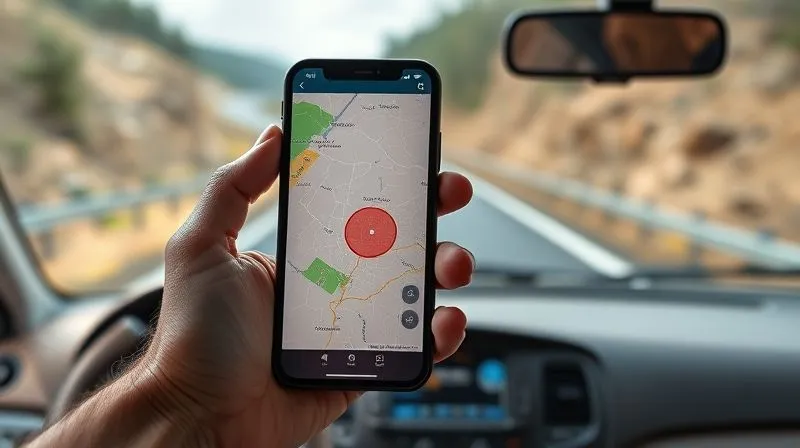
This is where proactive planning truly shines. Don't rely on assumptions. Use online coverage maps provided by major cellular carriers (e.g., Verizon, AT&T, T-Mobile in the US) to identify potential dead zones along your planned route. Cross-referencing multiple carriers is crucial, as coverage can vary dramatically. Apps like OpenSignal or CellMapper, which leverage crowd-sourced data, can offer more granular insights into real-world signal strength.
"Anticipation is the ultimate form of preparation. Knowing where your signal will drop before you get there allows you to reroute, reschedule, or reinforce your connectivity strategy."
Secure Multiple Internet Sources
Relying on a single Wi-Fi source in a campervan is akin to driving without a spare tire – a recipe for disaster. I always advocate for a 'belt and braces' approach, having at least two, preferably three, independent internet sources. This redundancy is your most powerful tool against unreliable connections.
- Primary Mobile Hotspot/Router: Invest in a dedicated, high-quality mobile hotspot.
- Secondary Carrier SIM: Have a SIM card from a different cellular provider in your phone, or a second hotspot, to leverage different network infrastructure.
- Starlink Roam (or similar satellite): For truly off-grid work, satellite internet is becoming increasingly viable, though it comes with its own costs and considerations.
- Public Wi-Fi as a Last Resort: Understand its security risks and limitations.
Building a Robust Mobile Office: Hardware & Software Essentials
Your campervan isn't just a vehicle; it's your mobile office. Equipping it with the right tools is non-negotiable for consistent productivity. I've seen too many digital nomads struggle with subpar equipment, only to blame the internet connection when their tools were the real bottleneck.
High-Performance Mobile Hotspots & Routers
Forget relying solely on your phone's hotspot. Dedicated mobile hotspots offer superior performance, better battery life, and often the ability to connect an external antenna. Look for devices that support multiple LTE bands and carrier aggregation for optimal speed and reliability. Brands like Netgear Nighthawk or Inseego are often top performers.
Signal Boosters & External Antennas
These are game-changers, especially in fringe service areas. A cellular booster amplifies existing weak signals, while an external antenna can capture signals that your internal devices simply can't. Mount them externally for the best results. I've personally seen a weak, unusable signal transform into a stable connection with a well-placed directional antenna.
Power Management Solutions
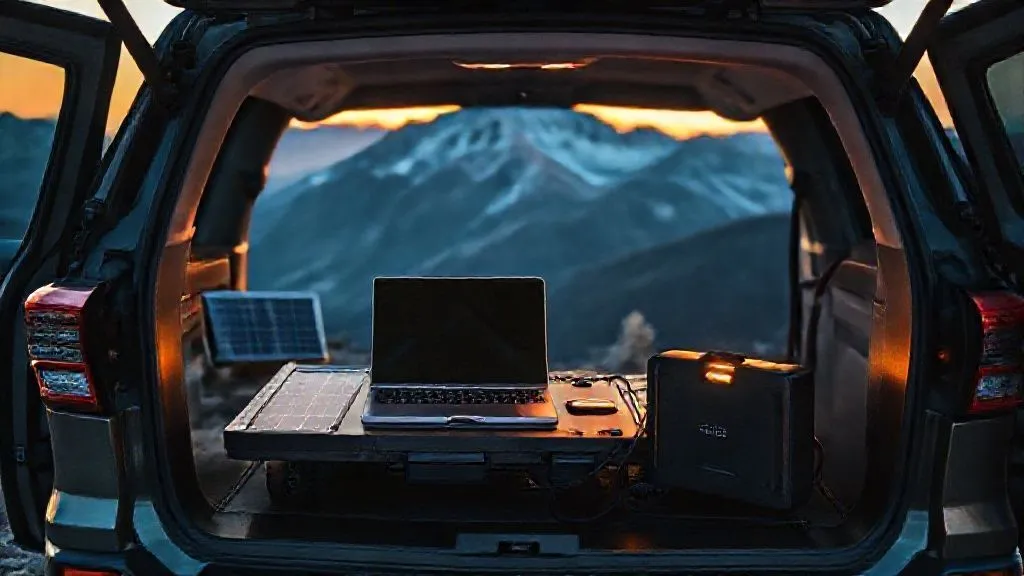
What good is a powerful hotspot if it runs out of juice? Ensure your campervan's electrical system can support your work setup. Invest in reliable power banks, a robust inverter, and consider solar panels to keep everything charged, especially when boondocking. A dead battery is as detrimental as a dead signal.
Offline-Capable Software & Cloud Sync
This is a critical software strategy. Ensure your essential tools – word processors, spreadsheets, project management software – have robust offline capabilities. Services like Google Drive, Microsoft OneDrive, or Dropbox allow you to designate files for offline access and automatically sync when a connection is restored. This mitigates the impact of intermittent connectivity.
| Connectivity Solution | Pros | Cons | Best Use Case |
|---|---|---|---|
| Dedicated Mobile Hotspot | High speed, multiple device support, external antenna port | Requires separate data plan, initial cost | Primary internet source for daily work |
| Cellular Signal Booster | Amplifies weak signals, extends range | Needs existing signal, can be costly | Fringe service areas, improving existing weak connections |
| Starlink Roam | True global coverage, high speed in remote areas | High initial cost, monthly fee, power consumption | Remote boondocking, truly off-grid work |
| Public Wi-Fi (Cafes, Libraries) | Free/low cost, often stable connection | Security risks, limited hours, potential for distraction | Backup, large uploads/downloads when secure |
Strategic Signal Hunting: Mastering Location-Based Connectivity
The beauty of a campervan is its mobility. Unlike a fixed office, you have the power to move to where the signal is. This isn't about aimlessly driving; it's about intelligent, strategic signal hunting. I've learned that a few miles can make all the difference between a frustratingly slow connection and a perfectly stable one.
Leveraging Signal Strength Apps
Beyond coverage maps, use apps that show real-time signal strength (e.g., Network Cell Info Lite for Android, or Field Test Mode for iPhone users). These apps display crucial metrics like RSRP (Reference Signal Received Power) and SINR (Signal to Interference + Noise Ratio), which are far more accurate indicators of usable signal than simple 'bars'.
Elevation and Line of Sight
Cellular signals travel in line of sight. Getting to higher ground, even a small hill, can dramatically improve your connection by clearing obstacles. Similarly, avoid parking deep in valleys, behind large buildings, or surrounded by dense trees. Think like a radio wave: what's blocking its path to the nearest tower?
"In the world of campervan connectivity, elevation is your friend, and line of sight is your superpower. A few feet higher can unlock a world of bandwidth."
Utilizing Cell Tower Locators
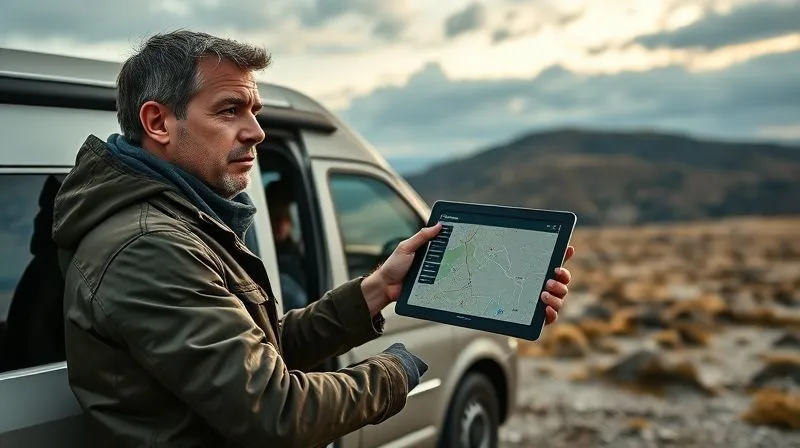
Apps like CellMapper or AntennaSearch can help you pinpoint the exact location of nearby cell towers. Once you know where the tower is, you can orient your directional antenna (if you have one) for optimal reception. This level of precision can significantly enhance your signal stability and speed.
Client Communication & Expectation Setting: The Art of Transparency
Even with the best tech, there will be times when connectivity is simply non-existent. This is where impeccable client communication becomes your most valuable asset. As an industry specialist, I've seen how proactive transparency can turn potential disasters into minor inconveniences, preserving trust and professional reputation.
Pre-Emptive Communication is Key
Before embarking on a trip where connectivity might be an issue, communicate your working conditions to your clients. Explain that you'll be working remotely from a campervan, which occasionally means variable internet access. Set clear expectations about response times and availability. Most clients appreciate honesty far more than radio silence.
Define 'Urgent' & Establish Communication Protocols
Work with your clients to define what truly constitutes an 'urgent' request. Is it a phone call, a text, or an email? Establish a primary and secondary communication channel. For instance, 'For truly urgent matters, please send a text message to my mobile, as emails might have a slight delay in remote areas.' This helps manage their expectations and your stress.
Case Study: How Nomad Solutions Maintained Client Trust
Nomad Solutions, a freelance web development agency run by a couple in their campervan, faced a critical project with a tight deadline and a client notorious for last-minute requests. Instead of hoping for the best, they proactively informed the client about their upcoming travel to a national park with known patchy service. They outlined specific hours they'd guarantee connectivity (using a Starlink for critical windows), designated a secondary contact for absolute emergencies, and pre-submitted several deliverables ahead of schedule. When a minor outage occurred, the client was understanding, knowing the situation in advance. This resulted in zero project delays and strengthened client trust, showcasing the power of transparent expectation management.
Over-Communicate During Outages
If you do encounter an outage, don't disappear. Send a quick message via your most reliable backup (even if it's a simple text from a secondary phone) to inform the client of the situation and provide an estimated time of resolution. 'Experiencing a temporary network issue, actively working to resolve it. Will update you by [time].' This prevents anxiety and shows you're on top of it.
Maximizing Offline Productivity: When the Signal Drops
The ability to work effectively without an internet connection is a superpower for campervan nomads. This isn't just about having offline files; it's about structuring your workflow to be resilient to connectivity interruptions. I've spent countless hours in 'offline mode,' and it's often my most focused and productive time.
Batching Online Tasks
When you *do* have a good signal, make the most of it. Batch all your online-dependent tasks: download emails, sync cloud files, upload completed work, research, and attend video calls. Treat strong Wi-Fi as a precious resource to be exploited, not taken for granted.
Prioritizing Offline Work
Before hitting a potential dead zone, identify tasks that can be completed entirely offline. Writing, coding, editing, designing, brainstorming, and data analysis (if data is local) are perfect candidates. Create a 'no-internet' task list and tackle these items when connectivity is scarce.
- Download Everything: Ensure all necessary documents, resources, and project files are saved locally on your device.
- Pre-Load Research: Use browser extensions like 'Save to Pocket' or 'Evernote Web Clipper' to save articles and web pages for offline reading.
- Draft Communications: Write emails and messages offline, saving them as drafts to send when you reconnect.
- Utilize Offline Apps: Leverage desktop versions of tools like Slack (for drafting messages), Trello (for managing tasks), or even Google Docs/Sheets for offline editing.

Establishing Emergency Protocols: What to Do When All Else Fails
Even the most meticulously planned strategies can hit unforeseen snags. A true expert always has a contingency plan. I've learned that having a clear, actionable emergency protocol can prevent panic and ensure critical deadlines are still met, even in the direst connectivity situations.
Designate an Emergency Contact/Buddy
Have a trusted colleague, friend, or family member who understands your remote work situation. In a complete emergency (e.g., you're stranded without any signal and a critical file needs sending), they could act as a relay. You could text them a brief message to forward, or they might have access to a shared drive to upload a file on your behalf. This is a rare last resort but invaluable.
Identify Local Wi-Fi Havens
Before you travel to a new area, identify potential Wi-Fi havens: libraries, co-working spaces, cafes, or even specific campgrounds known for reliable internet. Save their locations and operating hours. These become your emergency 'bail-out' points when your campervan's setup fails.
"An emergency plan isn't a sign of weakness; it's a testament to preparedness. It's the difference between a minor setback and a full-blown crisis."
Physical Delivery or Drive-Through Wi-Fi
In extreme, time-sensitive situations, consider the most basic solutions. Could you drive to the nearest town with a reliable connection, even if it's a few hours away? Could you pull into a fast-food parking lot that offers free Wi-Fi for a quick upload? These aren't ideal, but they're options when a deadline is truly make-or-break.
Cultivating the Resilient Digital Nomad Mindset: Beyond the Tech
While technology and planning are crucial, the psychological aspect of managing remote work from a campervan with unreliable internet cannot be overstated. I've seen individuals with cutting-edge gear crumble under pressure, while others with simpler setups thrive due to their mental resilience.
Embrace Flexibility and Adaptability
The road is inherently unpredictable. Weather changes, routes close, and signals vanish. A rigid mindset will lead to constant frustration. Learn to pivot, adapt your schedule, and find alternative solutions without letting stress take over. This flexibility is the core of successful digital nomadism.
Practice Proactive Stress Management
The anxiety of unreliable internet and looming deadlines is real. Incorporate stress-reduction techniques into your daily routine: meditation, exercise, spending time in nature, or simply taking a break to enjoy your surroundings. A calm mind is better equipped to problem-solve.
Separate Work from Travel
While the lines blur, try to create mental boundaries. Designate specific work hours and then fully disconnect to enjoy your travel. This prevents burnout and ensures you recharge, which is vital for maintaining productivity when challenges arise. Remember why you chose this lifestyle.
Legal & Ethical Considerations for the Remote Worker on the Road
As an experienced industry specialist, I also want to touch upon some often-overlooked aspects of working remotely, especially when connectivity is a variable factor. These aren't just 'nice-to-haves'; they are professional responsibilities.
Data Security & VPN Usage
When you're hopping between public Wi-Fi networks (even in emergencies), data security is paramount. Always use a reputable Virtual Private Network (VPN) to encrypt your internet traffic. This protects sensitive client information from potential eavesdroppers. Neglecting this is a serious breach of professional trust.
Contractual Agreements & Service Level Agreements (SLAs)
Review your client contracts. Do they contain specific clauses about response times or uptime guarantees? If you anticipate connectivity challenges, discuss these proactively. It's better to renegotiate an SLA or add a rider upfront than to breach a contract due to unforeseen internet issues. Transparency here builds incredible trust.
Time Zone Management
Working from a campervan often means crossing time zones. Be meticulously aware of your client's time zone and adjust your availability and communication accordingly. Tools that display multiple time zones are invaluable. Missing a critical meeting because of a time zone mix-up is entirely avoidable.
Frequently Asked Questions (FAQ)
What's the absolute best single piece of gear for reliable campervan internet? While a 'single best' is subjective, a high-quality, dedicated mobile hotspot (like a Netgear Nighthawk) combined with a robust external antenna from a different carrier than your phone SIM offers the most versatile and reliable primary solution for most situations. Starlink Roam is excellent for truly remote areas but comes at a higher cost and power draw.
How can I make video calls more reliable on patchy internet? Beyond having a strong signal, optimize your video call settings. Reduce video quality, turn off your own camera if not essential, close all other bandwidth-consuming apps, and use an Ethernet connection to your hotspot if possible. Consider scheduling video calls for when you know you'll have the best signal.
Is it ethical to work on client projects using public Wi-Fi? It's ethical, but only if you take extreme precautions. ALWAYS use a VPN. Avoid accessing highly sensitive data or performing financial transactions. Inform your clients if you're working on public Wi-Fi for their projects, especially if their data security policies are strict. Prioritize your own secure mobile hotspot whenever possible.
What if I'm going truly off-grid for an extended period? For extended off-grid periods, Starlink Roam is currently the most robust solution for high-bandwidth needs. Alternatively, plan your work around these periods: complete all online tasks before entering the dead zone, and schedule a 'catch-up' day in a town with good connectivity upon your return. Communicate this clearly to clients well in advance.
How do I manage large file transfers with slow campervan Wi-Fi? For large files, utilize offline sync features of cloud storage (Dropbox, OneDrive, Google Drive). When you do get a signal, batch these uploads/downloads during off-peak hours (e.g., late at night). Use file compression where possible. If extremely time-sensitive, seek out a dedicated, strong public Wi-Fi connection like a library or co-working space.
Key Takeaways and Final Thoughts
- Proactive Planning is Non-Negotiable: Research routes, assess data needs, and secure multiple internet sources before you leave.
- Invest in Redundant Technology: A dedicated hotspot, signal booster, and backup SIM from a different carrier are your best friends.
- Master Strategic Signal Hunting: Use apps, leverage elevation, and understand cell tower locations to optimize your connection.
- Communicate & Set Expectations: Transparently inform clients about your working conditions and establish clear communication protocols.
- Embrace Offline Productivity: Batch online tasks, prioritize offline work, and use offline-capable software.
- Have Emergency Protocols: Designate a buddy, identify Wi-Fi havens, and consider extreme measures for critical deadlines.
- Cultivate a Resilient Mindset: Adaptability, stress management, and clear work/travel boundaries are key to long-term success.
- Prioritize Security & Ethics: Always use a VPN on public Wi-Fi and be mindful of contractual obligations and time zones.
Managing urgent client deadlines with unreliable campervan Wi-Fi isn't about avoiding the problem; it's about embracing the challenge with a blend of smart technology, meticulous planning, and a resilient mindset. The freedom of the open road doesn't have to come at the expense of your professional reputation. By implementing these expert strategies, you'll not only meet your deadlines but also gain the confidence to truly thrive as a digital nomad, making the most of both your work and your wanderlust. Keep exploring, keep creating, and keep that professional integrity intact.
Recommended Reading
- Decoding Space Tourism: Commercial Spaceflight Safety Regulations Explained
- 5 Steps: High-Impact Volunteer Travel for Your Busy Schedule
- The Ultimate Guide: How to Stay Safe at Multi-Day Dance Festivals
- CFO Buy-In: 7 Ways to Justify Higher Sustainable Train Travel Costs
- 5 Ways Solo Travel Crushes Imposter Syndrome in Senior Leadership



Your email address will not be published. Required fields are marked *